AutoCAD to Revit Webinar: How Firms Transition Without Losing Productivity

Free live session for working professionals and firm principals. Learn the practical CAD→Revit roadmap to deliver coordinated drawings—without late-stage chaos.

January 14, (Wed) : 7PM IST. Live on Google Meet

DAYS
HOURS
MINUTES
SECONDS

Highlights

  • The real difference between CAD drafting and model-based delivery
  • A step-by-step transition roadmap for your first Revit project
  • How to keep plans, sections, elevations coordinated (even after changes)
  • What to standardize first: templates, families, view control, QC
  • Live Q&A (principals + team leads welcome)

Reserve Your Seat for free

Fill in your details to receive the join link, reminders, and the CAD→Revit checklist.

No software required. You’ll receive reminder emails and a downloadable checklist after registration.

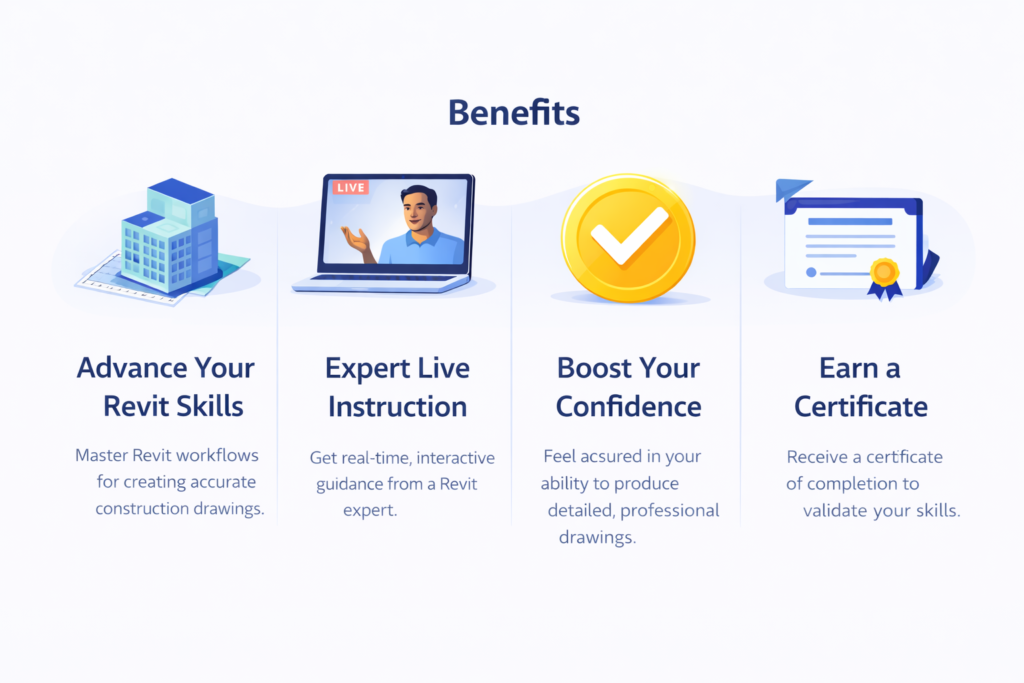
Benefits of AutoCAD to Revit Webinar

  • A clear CAD→Revit roadmap you can apply immediately (what to learn first, what to ignore for now)
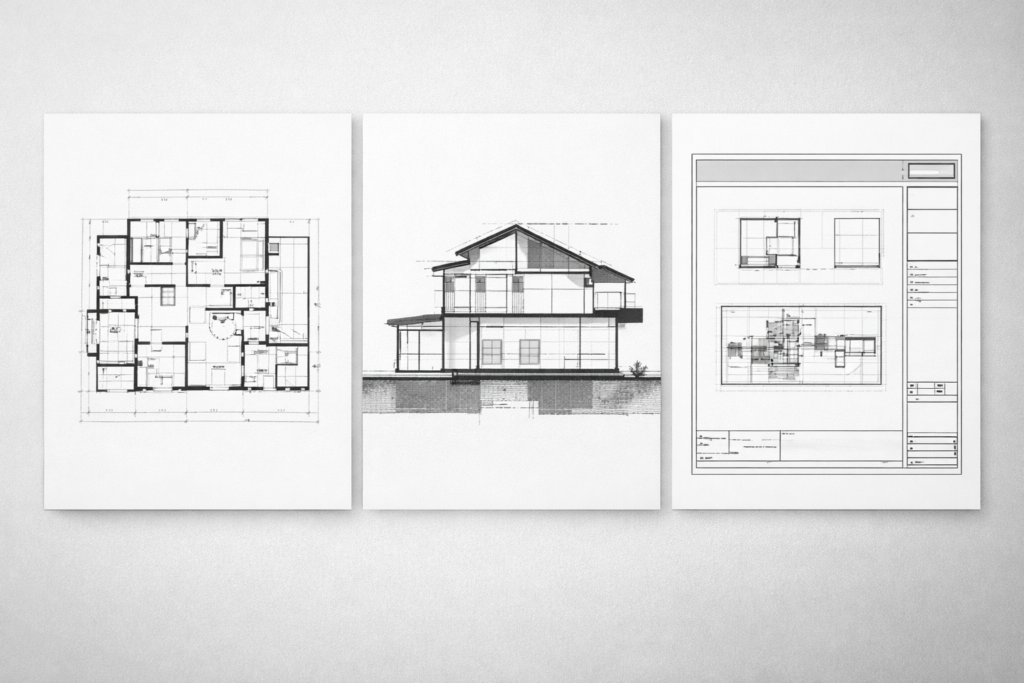
  • How to deliver coordinated drawings (plans, sections, elevations) without manual fixes
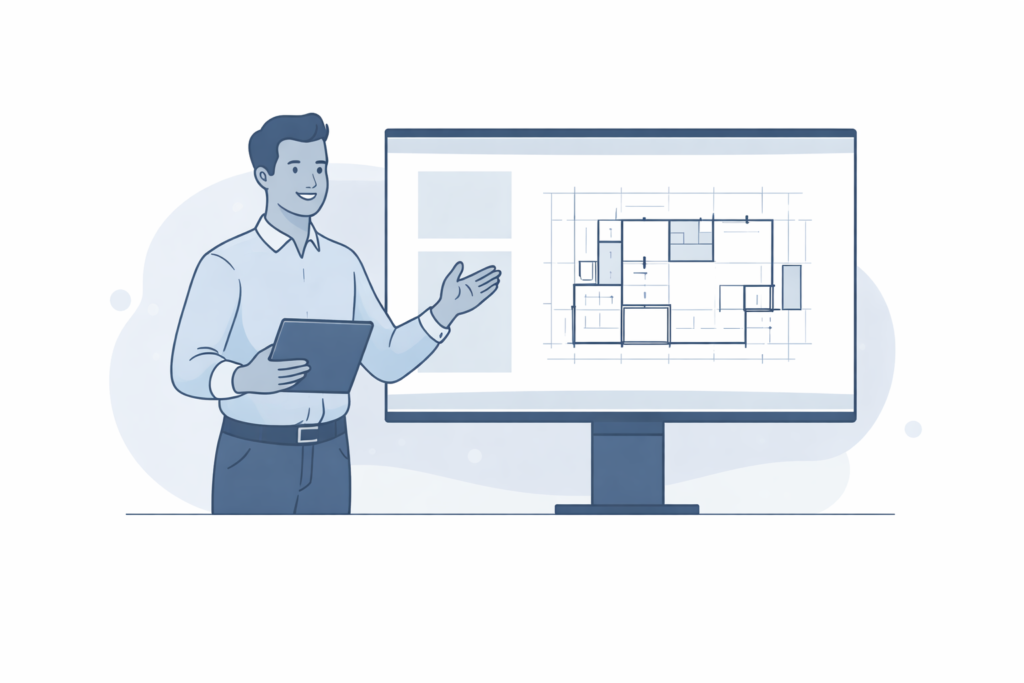
  • Live workflow demo: Model → Views → Sheets (so you see how real output is built)
  • First-project strategy for teams to start Revit without losing productivity
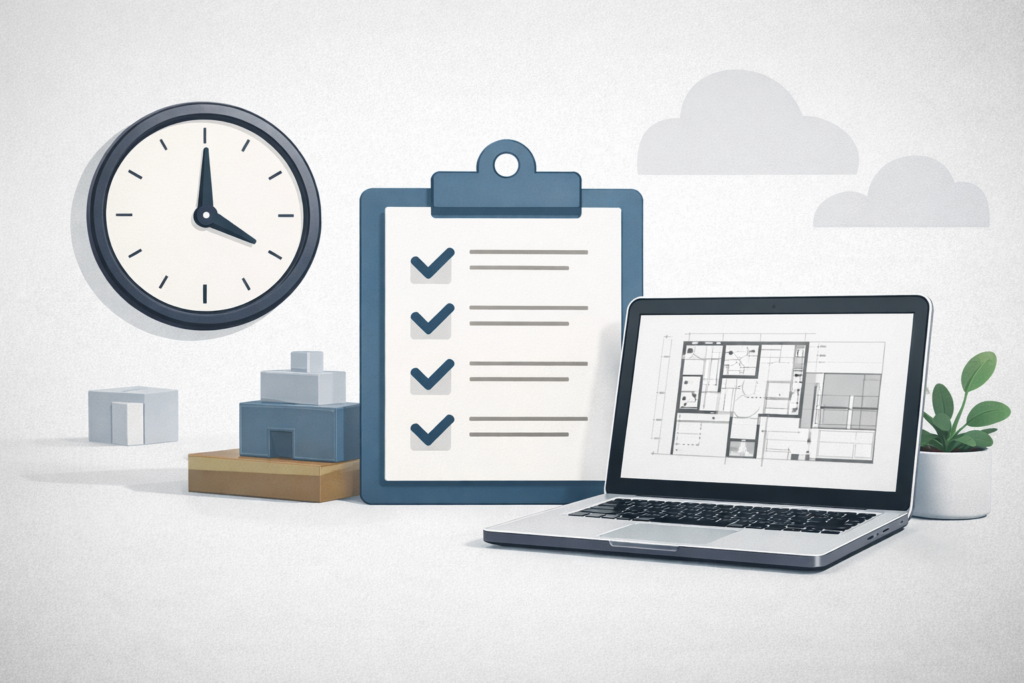
  • Bonus download: CAD→Revit Transition Checklist (templates, families, view control, QC)


Role

For Working Professionals + Principals

Real Project Workflow. Not just Tools

Live Demo + Q&A Session

Bonus
CAD to Revit Checklist

Why AutoCAD teams struggle when they start Revit

Most design teams don’t fail in Revit because they can’t model. They struggle because Revit is a system—views, sheets, standards, and changes must be controlled. If you approach it like CAD, drawings look fine early and break later.

  1. Late-stage changes cause rework: In CAD, changes ripple manually. In Revit, the model must drive consistent output—or revisions explode.
  2. Plans look fine, sections don’t: Without view discipline and modelling intent, sections/elevations need manual fixes.
  3. Drawings don’t stay coordinated: The lack of templates, view control, and standards creates inconsistency across the set.

What you’ll learn in 60 Minutes?

The CAD→Revit mindset shift (what changes, what stays the same)
How to model with intent so drawings stay coordinated
View control essentials: view templates, filters, visibility discipline
Sheet workflow: title blocks, legends, schedules, documentation structure
A safe first-project strategy (how to start without losing productivity)
What principals should track: standards adoption + measurable progress

Live demo: Model → Views → Sheets (coordinated output)

I’ll show a practical workflow that connects model decisions to clean documentation—so changes update correctly and your team avoids manual patchwork.

  • Model elements that drive real documentation
  • A controlled view setup (templates + visibility rules)
  • Sheet composition and how teams keep it consistent
  • Where coordination usually breaks—and how to prevent it

Webinar Agenda

  • 5–15 min — CAD vs Revit: the system difference
  • 15–30 min — Live demo: Model → Views → Sheets
  • 30–45 min — Implementation roadmap (templates, families, QC, rollout)
  • 45–60 min — Live Q&A (professionals + principals)

Bonus for Registrants

After registering, you’ll receive a downloadable PDF:
“CAD to Revit Transition Checklist (First Project Ready)”

Includes:

  • Minimum template + standards list
  • View control essentials
  • First-project setup checklist
  • Team roles and rollout steps

Additional Resources (for all registrants)

  • CAD → Revit Transition Checklist (PDF): A practical “first-project ready” checklist: template basics, view control, QC, and rollout steps.
  • First Revit Project Setup Sheet (1-page): Levels, grids, view templates, sheet structure—what to set up before modelling.
  • Drawing Coordination Rules (Quick Guide): Simple rules that keep plans/sections/elevations coordinated and avoid manual patching.
  • View Control Cheat Sheet: What to standardize: view templates, filters, lineweights, annotation consistency.
  • Recommended Learning Path (30-day plan): A realistic sequence to become productive without overwhelm (2 hours/day).
  • Webinar Replay + Q&A Notes: Replay link + a clean summary of questions asked by professionals and principals.
  • 3Day Live workshop for Firms, Organisations and Corporate

FAQ

Ready to make Revit delivery predictable?

Optional

If you’re a firm principal and want help implementing standards and delivery workflows across your team, explore Mentorship.

Ashit Goyal

Ashit Goyal, Architect | Lead Trainer, Bimsrv Academy

Ashit Goyal is an architect, BIM practitioner, and founder of BimSrv Academy (BimSrv LLP). Over the last two decades, he has worked closely with design teams to implement Revit workflows that improve coordination, reduce last-minute drawing fixes, and make project delivery more predictable. His approach combines project-based training with the practical foundations teams need—templates, family libraries, view control, documentation standards, and quality checks. With 40+ years in architectural practice and 20+ years of BIM experience, Ashit has also been involved in architectural education and training, and continues to mentor firms and professionals as they move from AutoCAD to Revit. He graduated from the School of Planning and Architecture, New Delhi (B.Arch., 1985).

Scroll to Top