
Live on Microsoft Teams • Sat, 24 Jan 2026 • 7:00 PM IST
Revit Job-Ready Portfolio Workshop: Plans + Sections + Sheets (Live Demo)
Revit Construction Drawings Webinar: A practical live session for working professionals, students, and fresh graduates to learn the construction drawing workflow employers expect — not just 3D.
Live on Microsoft Teams Meet • Sat, 7 Feb 2026 • 7:00 PM IST
Revit Construction Drawings Webinar Benefits
- How to Create Plans
- How to place views on sheets (portfolio-ready output)
- Basic view control so drawings look consistent
- Common mistakes that make beginners get stuck
- o Revit installation required — learn the construction drawings workflow and see live demonstrations without installing Revit.
After registering, you’ll receive the Microsoft Teams Meet join link by email. The recording will be shared with registrants.
Who Should Attend?

- Working Professionals
- Switch from CAD to Revit with a workflow that produces consistent drawings and sheets.
- Students
- Build a portfolio output that shows real documentation skills, not only 3D.
Outcome you will produce
What you will be able to produce after this workshop
- A mini sheet set: plan + section + elevation placed on sheets
- A repeatable workflow: Model → Views → Sheets
- A practice checklist you can use for interviews and portfolio work
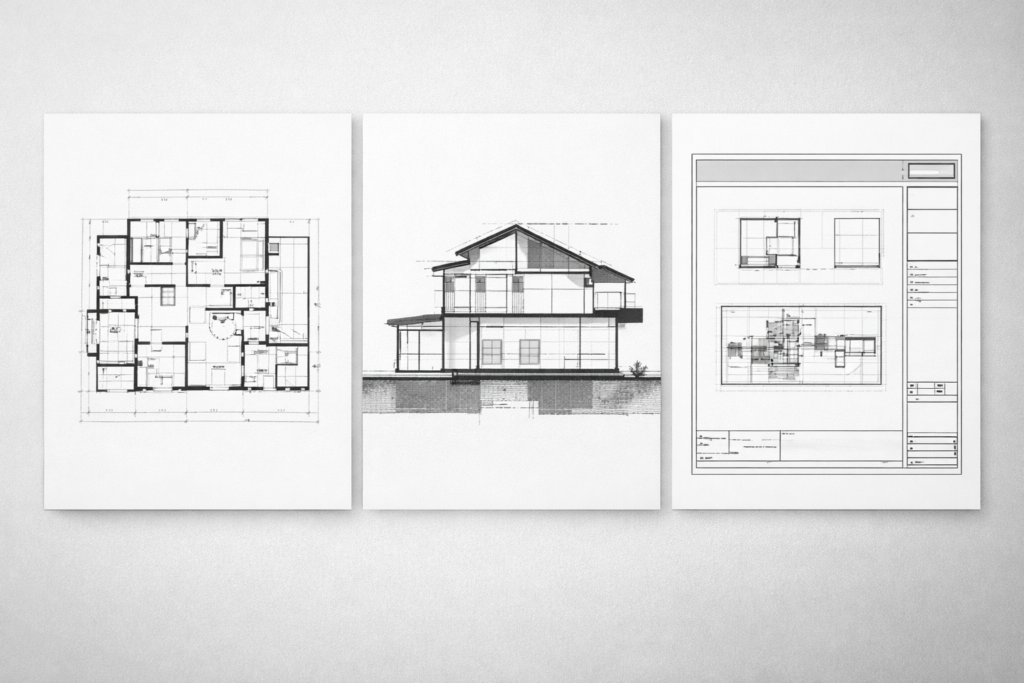
What we’ll cover (Agenda)
What we’ll cover (60–75 minutes)
- The documentation workflow employers expect
- Views that don’t break: basic view control
- Sheets + output: making it portfolio-ready
- Common beginner mistakes (and how to avoid them)
- Q&A + next steps
Session Recording
The Session recording will be shared with all registrants after the session.

Why does this improve Job Prospects
Recruiters and BIM teams don’t hire for 3D skills alone. They look for people who can produce coordinated drawings and sheets — and update them without manual fixing when changes happen.
- Shows you understand documentation workflow (not just tools)
- Produces portfolio proof (sheet output)
- Builds confidence for interviews and entry-level BIM roles

Trainer


Helpful Links
Save the Revit Construction Drawings Webinar to your calendar:
Save the Revit Construction Drawings Webinar to your calendar after registration (Google Calendar + Outlook/Apple invite links are on the confirmation page).