
LEARN BY DOING · LIVE MENTORING
Revit Architecture Course for Beginners
Complete Project, Documentation & Capstone
Learn Revit step by step through a complete residential project. Create the model, produce presentation and construction drawings, and apply your learning in an independent capstone project.
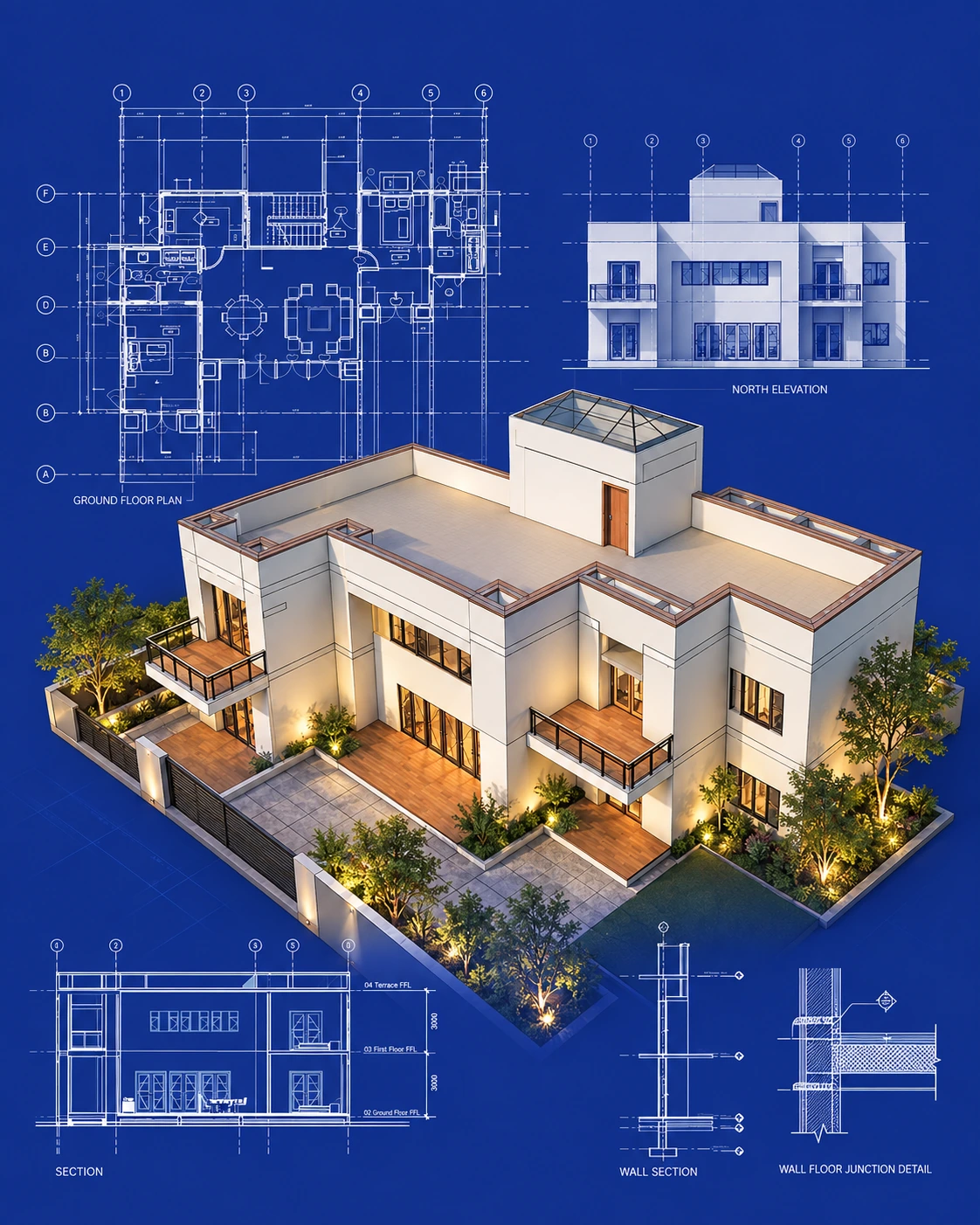
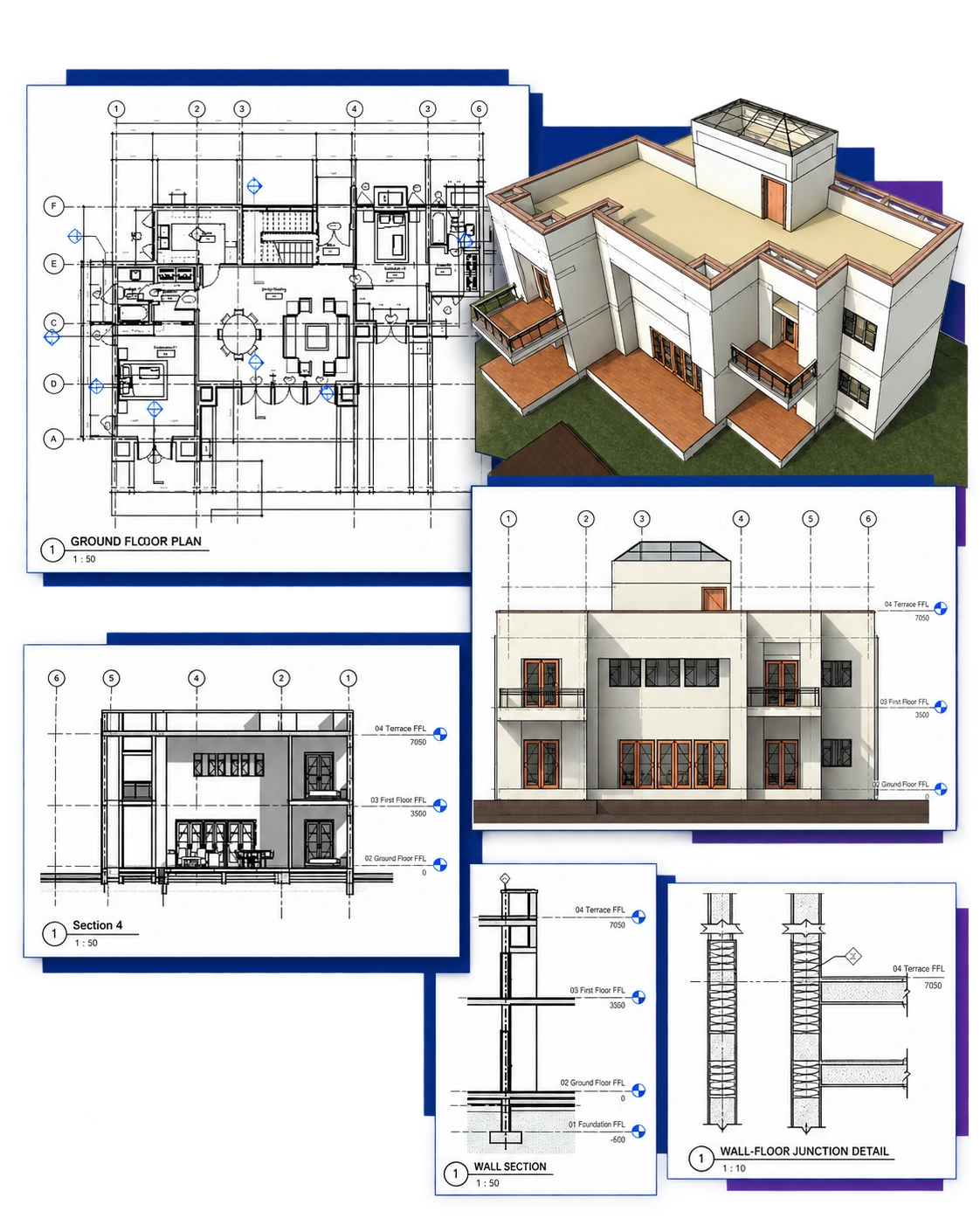
Your Project. Your Skills. Your Drawing Sets.
Develop a separate residential project from the supplied brief and dimensioned reference drawings. Create the model and submit examples of each required drawing type, rather than a complete GFC set.
Present your work at the final jury review. Assessment focuses on your Revit modelling and documentation skills; architectural design is not assessed.
Model the Building
Walls, openings, floors, roofs and stairs
Develop the Site
Terrain, paths, parking and landscape
Create Project Views
Plans, sections, elevations and 3D views
Prepare Drawing Sheets
Dimensions, annotations, schedules and PDFs
Learn by Doing. Progress with Live Mentoring.
Watch
A focused 15–20 minute demonstration introduces the next project task.
Do
Apply the workflow in your own Revit project for approximately 30 minutes.
Ask & Improve
Ask questions, receive live guidance and apply corrections as you work.
At the end of each section: a quiz to check your understanding and an assignment to apply your skills.
Build Skills Employers Look For
Develop modelling and documentation skills reflected in published architectural job requirements—and produce project work that demonstrates your learning.
Revit Modelling
COURSE ACTIVITY
Develop the guided residential model, then apply your skills independently.
EVIDENCE YOU CREATE
Your house model and capstone model.
Architectural Documentation
COURSE ACTIVITY
Prepare views, dimensions, annotations, schedules, and drawing sheets.
EVIDENCE YOU CREATE
Presentation and GFC drawing sets.
Examples of Your Work
COURSE ACTIVITY
Select project outputs and explain your workflow during the final jury.
EVIDENCE YOU CREATE
Portfolio samples and a capstone presentation.
Based on published role descriptions from AECOM and Gensler
Requirements vary by role; qualifications and experience may also be required.
Is This Course Right for Me?
For students, recent graduates, CAD users and anyone starting Revit.
No previous Revit experience or architectural qualification is required. Learn step by step, with guidance throughout.
Be ready to attend weekend classes and complete project tasks between sessions.

I’m New to Revit
You want a structured starting point, with step-by-step demonstrations and time to complete each task with guidance.
I Want to Move Beyond CAD
You already work with drawings and want to learn how a Revit model connects plans, sections, elevations, and schedules.
I Want to Produce Drawings
You want to learn both modelling and documentation, including presentation sheets and a GFC drawing set.
I’ve Tried Tutorials but Need Guidance
You have explored some Revit tools but need a structured project and live feedback to connect what you have learned.

Present Your Work with Confidence
Learn how to select your course work, organise a clear portfolio and explain your modelling and documentation decisions in an interview.
• Group guidance on portfolio preparation and interview discussions.
• Resources to help you select and present your work.
• One individual portfolio review with feedback on clarity, organisation and drawing selection.
ALL INCLUDED IN YOUR COURSE FEE
Meet Your Instructor
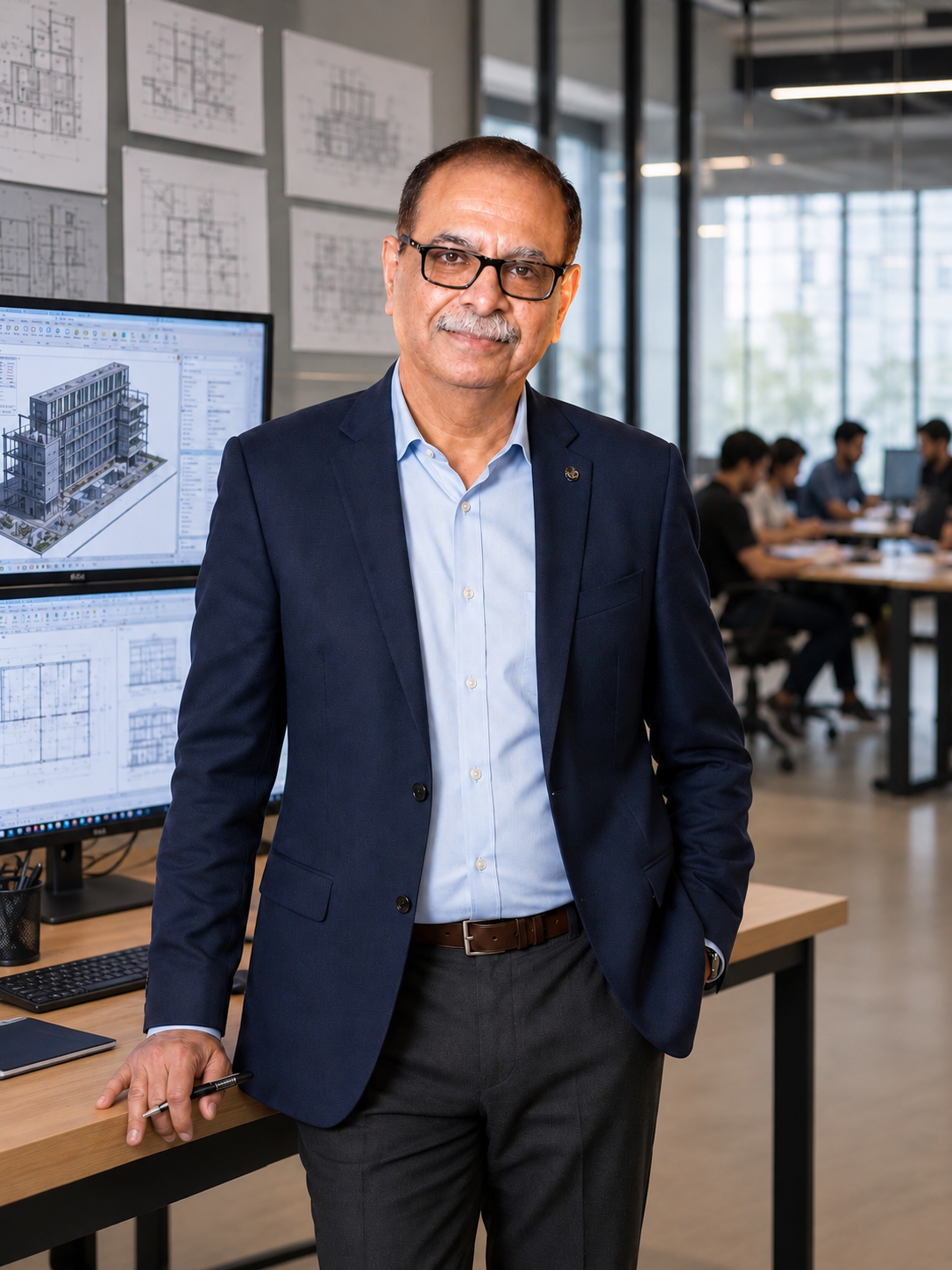
Ashit Goyal
Architect · Revit Implementation Consultant
Founder, BimSrv Academy
An SPA New Delhi 1985 graduate with over 40 years of architectural experience, Ashit has used Revit since 2007. His project exposure spans India, the United States, the United Kingdom, Australia and the British West Indies.
He taught at Sushant School of Art & Architecture and has served as an external juror in Delhi NCR. His teaching connects Revit tools with the drawings, standards and decisions involved in project delivery.
SELECTED IMPLEMENTATION, MENTORING & TRAINING WORK
ARCOP — BIM standards, audits and production coordination for the AIIMS New Delhi Redevelopment, 2021–2022.
FAB Design — Revit implementation, drawing standards, training and mentoring for architecture and interior design teams.
Smartworks — Revit training for interior design teams, with specialist training partners supporting building-services training.
Schedule & Learner Support
One-to-One Help & WhatsApp Support
Get individual help with class tasks, assignments and project questions. Book a one-to-one meeting at an available time through the LMS, or use WhatsApp chat for quick questions between sessions.
Friday Group Sessions
Friday Group Sessions
Join fellow learners on Fridays to discuss class tasks, review project work and resolve shared questions. Session timings will be shared with enrolled learners.
One-to-One Help
Need individual guidance? Use the booking button to choose an available meeting slot, or contact the instructor through WhatsApp chat. The buttons and WhatsApp links are available on the Course Page
Course WhatsApp Group
Stay connected with fellow learners, discuss class tasks and receive course updates.
Session Recordings
Revisit demonstrations and catch up on missed content using the session recordings.