
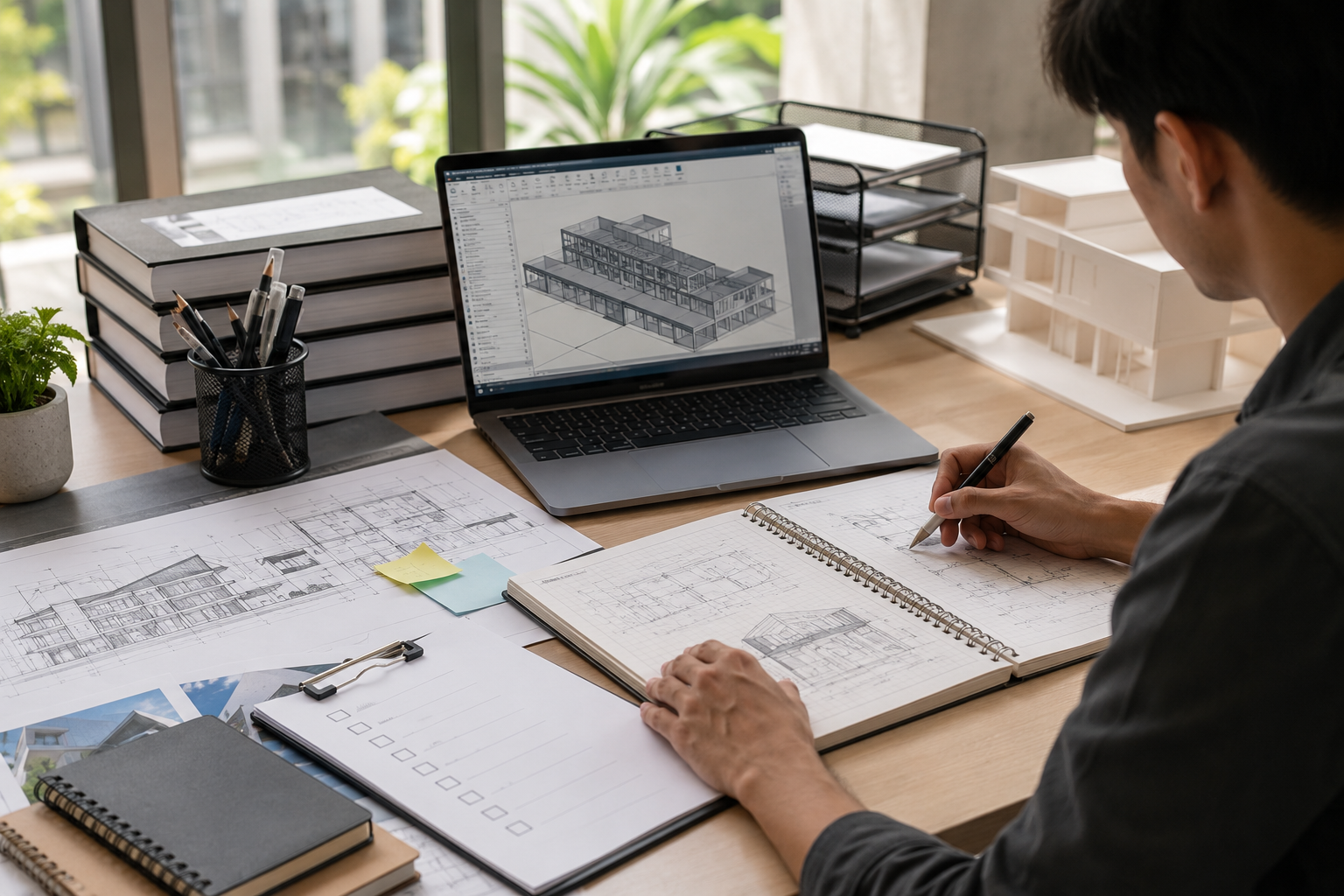
Beginners often search for Revit guides because they want a clear and reliable way to learn Revit without getting lost in random videos, scattered tutorials, and disconnected commands. This is especially true for architecture students, fresh graduates, interior designers, architects, engineers, and CAD users who are moving toward a BIM-based workflow.
A good collection of Revit guides should do more than explain individual tools. It should help a beginner find the right resource at the right time. Some learners need an interface guide. Some need a sheet setup guide. Some need a checklist before starting a project. Others need troubleshooting help because something is not visible, not printing correctly, or not behaving as expected.
This post is designed as a Revit guides resource library. It is not a step-by-step learning roadmap. Instead, it brings together the major types of Revit guides a beginner should know about, including checklists, templates, practice resources, troubleshooting references, and topic-based learning guides.
Use this post as a central reference point. Whenever you are learning a Revit topic, preparing for a practice project, setting up a beginner workflow, or looking for a useful download, this Revit guides hub will help you decide what type of resource you need.
Revit Guides as a Resource Library for Beginners
The purpose of Revit guides is to make learning organised. Revit has many tools, but beginners do not always need every tool immediately. They need a library of focused resources that answer specific questions.
For example, a beginner may ask:
- Where do I find the important Revit tools?
- Which checklist should I follow before starting a model?
- How do I prepare a small practice project?
- What should I check before creating sheets?
- Why is an element not visible in my view?
- What should be included in a beginner Revit template?
- Which shortcuts are useful for daily practice?
- What mistakes should I avoid while creating my first model?
A good Revit guides library answers these questions in separate, focused resources. This makes learning easier because the learner does not need to search randomly each time.
Instead of treating Revit as one large subject, beginners should treat it as a collection of smaller guides. Each guide supports one part of the learning or production process.
Revit Guides for Different Beginner Needs
Not every beginner needs the same type of Revit guides. A student working on a design studio project may need presentation views, sheets, and a small practice workflow. A working professional may need templates, schedules, view organisation, and drawing quality checks. An interior designer may need room-based guides, furniture placement, reflected ceiling plans, finishes, and interior elevations.
This means a useful Revit resource library should include different guide categories.
The main categories of Revit guides for beginners include:
- Learning support guides
- Interface reference guides
- Checklist-based guides
- Template guides
- Practice exercise guides
- Troubleshooting guides
- View and visibility guides
- Sheet and PDF guides
- Schedule and data guides
- Family and component guides
- Office workflow guides
- Student project guides
- Professional production guides
- The value of these Revit guides is that they give learners a way to solve specific problems without repeating the same basic roadmap again and again.
Revit Guides for Interface Reference
A Revit guides library should include a simple interface reference guide. This is different from a full lesson on how to learn Revit. An interface reference guide works like a quick map of the workspace.
It should help beginners identify:
- Ribbon
- Properties Palette
- Project Browser
- Type Selector
- Options Bar
- View Control Bar
- Drawing Area
- Status Bar
- Navigation tools
- ViewCubeThis type of Revit guide is useful when a learner forgets where something is located. Instead of watching a long tutorial again, the learner can quickly refer to the interface guide.
Revit Guides for Beginner Checklists
Checklist-based Revit guides are among the most useful resources for beginners. A checklist helps learners confirm whether they have completed essential tasks before moving forward.
A beginner Revit checklist may include:
Project file saved with a clear name
- Correct template selected
- Levels reviewed
- Views checked
- Basic model elements created
- Rooms placed
- Tags added
- Schedules reviewed
- Sheets created
- PDF exported
- Final review completed
- Checklists are useful because beginners often forget small but important steps. A checklist reduces confusion and gives learners a sense of progress.
Revit Guides for Practice Exercises
A strong Revit guides library should include practice exercise guides. Beginners cannot learn Revit only by reading. They need small exercises that help them apply the concepts.
A good practice exercise guide should be simple, focused, and achievable.
Examples of beginner practice exercises include:
- Create a one-room model
- Create a small two-room layout
- Place doors and windows
- Add rooms and room tags
- Create one section and one elevation
- Create a room schedule
- Create a sheet with one floor plan
- Export a PDF
- Review a simple model checklist
Each exercise should have a clear objective. For example, a “Revit One-Room Practice Guide” may focus only on walls, door, window, floor, room tag, one 3D view, and one sheet. This is easier for beginners than starting with a large building.
Practice-based Revit guides are especially useful for students and fresh graduates because they help convert software knowledge into portfolio-ready skill.
Revit Guides for Templates and Starting Files
Template-related Revit guides are important because beginners often start with the wrong file setup or do not understand why templates matter.
A Revit template guide should explain what a template can include, such as:
- Units
- Levels
- Standard views
- View templates
- Line weights
- Text styles
- Dimension styles
- Tags
- Title blocks
- Schedules
- Sheet setup
- Browser organisation
- Basic families
Beginners do not need to create an advanced office template immediately. However, they should understand that templates save time and create consistency.
Revit Guides for Families and Components
Many beginners are confused by Revit families. A family is a reusable Revit element, such as a door, window, furniture item, annotation symbol, title block, or component.
A beginner-focused Revit guides library should include a simple family guide. It should not start with complex parametric family creation. Instead, it should explain the basic idea.
A Revit family guide for beginners should cover:
- What Revit families are
- Difference between system families and loadable families
- Examples of common families
- How to load a family
- How to place a component
- How to change a type
- How to avoid loading too many unnecessary families
- Why family quality matters
This type of Revit guide is useful because beginners often download random families from the internet without checking quality, scale, naming, or behaviour.
A good family guide can help beginners understand that not every downloadable family is suitable for professional work.
Revit Guides for Views and Visibility Problems
Visibility issues are among the most common problems beginners face. This is why Revit guides should include troubleshooting resources for views and visibility.
- A beginner may ask:
- Why is my wall not visible?
- Why is my door not showing?
- Why is the section not displaying correctly?
- Why is the model visible in one view but not another?
- Why is my crop region hiding part of the model?
- Why is the view scale affecting annotation?
- Why is the linked file not visible?
A view and visibility guide should help learners check common causes step by step.
A useful visibility checklist may include:
- Check active view
- Check crop region
- Check view range
- Check visibility/graphics
- Check temporary hide/isolate
- Check detail level
- Check phase
- Check workset if applicable
- Check category visibility
- Check element hidden in view
Revit Guides for Sheets and PDF Output
Beginners should have separate Revit guides for sheets and PDF output because drawing production is a major part of real Revit use.
A sheet guide should explain:
- What a sheet is
- How a view is placed on a sheet
- Why view scale matters
- How title blocks are used
- How drawing numbers work
- How schedules are placed on sheets
- How to review sheet layout
- How to export PDF
A PDF output guide should explain basic checks before export:
- Sheet size
- View crop
- Line weights
- Annotation size
- Title block information
- View scale
- Schedule placement
- Drawing readability
- Print settings
Revit Guides for Schedules and Data
Schedules are one of the most important BIM-related areas in Revit. A beginner resource library should include Revit guides for schedules and model data.
- A schedule guide can explain:
- What schedules are
- How schedules read model information
- Difference between modelled information and typed information
- Basic room schedule
- Basic door schedule
- Basic window schedule
- Sheet list
- Common schedule mistakes
- Why schedules should be checked
The purpose is not to teach every advanced schedule feature at once. The purpose is to help beginners understand that Revit can produce information, not only drawings.
A schedule-based Revit guide is especially useful for architecture and interior design learners because schedules are used in real documentation
Revit Guides for Troubleshooting Common Beginner Errors
A practical Revit guides hub should include troubleshooting guides. Beginners often face repeated problems, and solving these problems quickly helps them stay motivated.
- Common beginner errors include:
- Drawing on the wrong level
- Wrong wall height
- Door not placing correctly
- Room not enclosed
- Tag not showing correct information
- Schedule missing elements
- View not showing model correctly
- Sheet output not readable
- PDF export not correct
- Imported or downloaded family not working properly
Revit Guides for Students
Students need Revit guides that support academic design work, not only professional documentation.
- Useful student-focused guides include:
- Revit guide for design studio projects
- Revit guide for thesis documentation
- Revit guide for presentation sheets
- Revit guide for quick sections and elevations
- Revit guide for room schedules
- Revit guide for portfolio drawings
- Revit guide for basic 3D views
Students often need to revise designs quickly. They may change room sizes, wall locations, openings, levels, or presentation views many times during a semester. Revit can help them update drawings more efficiently if they understand how views and sheets are connected to the model.
Student-focused Revit guides should be practical, visual, and project-based. They should help students create usable outputs for reviews, juries, portfolios, and thesis presentations.
Revit Guides for Working Professionals
Working professionals need Revit guides that focus on reliability, consistency, and drawing production.
Professional users may need guides for:
- Office templates
- View naming
- Sheet numbering
- Model quality checks
- Annotation standards
- Schedule review
- PDF issue process
- Worksharing basics
- Coordination checks
- Internal drawing review
A professional does not only need to know how to create elements. They need to produce clean, coordinated, and readable drawings.
This is where professional Revit guides become different from beginner tutorials. They include standards, review methods, and team workflows.
Revit Guides for Interior Designers
nterior designers can benefit from specialised Revit guides because their workflow is often room-based.
- Useful interior-focused guides include:
- Revit guide for room layouts
- Revit guide for furniture placement
- Revit guide for reflected ceiling plans
- Revit guide for interior elevations
- Revit guide for finish schedules
- Revit guide for casework and joinery basics
- Revit guide for presentation views
- Revit guide for room-based documentation
Interior design learners often need to understand rooms, furniture, ceilings, lighting layouts, finishes, and elevations. A general modelling tutorial may not be enough.
Revit Guides Final Thoughts
The best Revit guides are practical, focused, and easy to use. Beginners do not need random information. They need organised resources that help them solve specific problems and build confidence.
A complete Revit guides library should include interface references, checklists, templates, practice exercises, visibility troubleshooting, sheets, schedules, families, student resources, professional resources, and downloadable starter packs.
Use this post as a central hub. When you need a specific Revit resource, return to this guide and choose the relevant topic.
Revit Guides Frequently Asked Questions
What are Revit guides?
Revit guides are structured resources that help beginners understand specific Revit topics such as interface, templates, views, schedules, sheets, families, troubleshooting, and practice exercises
Why are Revit guides useful for beginners?
Revit guides are useful because they organise learning into smaller topics. Instead of searching randomly, beginners can use focused guides for specific tasks, problems, or practice exercises..
Which Revit guides should beginners use first?
Beginners should first use Revit guides for interface reference, beginner checklist, starter project setup, basic practice exercises, views, sheets, and common mistakes.
Can Revit guides help with troubleshooting?
Yes. Troubleshooting Revit guides are very useful for common problems such as elements not showing, wrong view settings, missing tags, schedule errors, and PDF output issues.
Should Revit guides include downloadable checklists?
Yes. Downloadable checklists make Revit guides more practical because beginners can use them while working on a project or practice exercise.
Are Revit guides useful for architecture students?
Yes. Architecture students can use Revit guides for studio projects, thesis documentation, presentation sheets, sections, elevations, schedules, and portfolio drawings.
Are Revit guides useful for interior designers?
Yes. Interior designers can use Revit guides for room layouts, furniture, reflected ceiling plans, interior elevations, finish schedules, and room-based documentation.
How should I use Revit guides while practicing?
Use one Revit guide at a time. Read the guide, practise the task immediately, apply it in a small project, and then use a checklist to review your work.
What should a Revit guides starter pack include?
A Revit guides starter pack should include a beginner checklist, interface reference, practice project brief, sheet setup checklist, common mistakes checklist, and basic troubleshooting guide.


0 Comments