
Revit is different from CAD—but it is not beyond the reach of a complete beginner. The real challenge is learning it in the correct sequence and practising through a coordinated project.
Download the Free Revit Beginner Starter Kit ↓
If you are considering learning Autodesk Revit, you may be wondering whether the software is too technical, too complicated or only suitable for experienced architects and BIM professionals. That concern is understandable. The Revit interface looks unfamiliar, the terminology is different from conventional drafting software, and a beginner can easily become overwhelmed by disconnected tutorials.
The honest answer is that Revit has a learning curve—but most beginners struggle because of the way they learn, not because they lack the ability to learn it. This guide explains what makes Revit feel difficult, what makes it easier, and how a complete beginner can build confidence without trying to learn every command at once.
Free Revit Beginner Starter Kit
Get a practical starter pack containing a Revit interface map, essential terminology, a first-week checklist and 25 useful beginner shortcuts.
Get the Free Starter KitIs Revit Difficult to Learn? The Short Answer
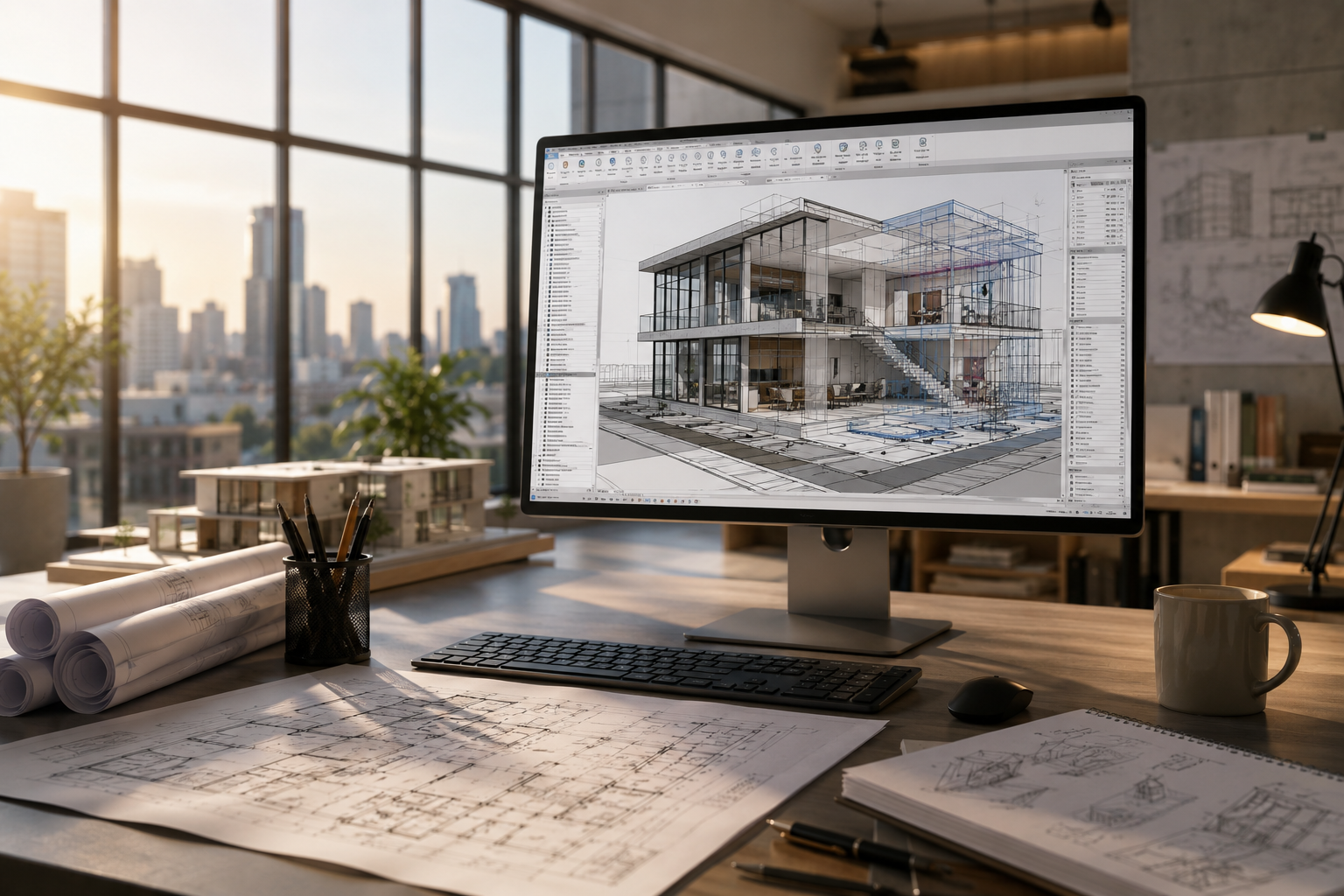
You are not simply drawing separate plans, elevations and sections. You are creating building elements—walls, floors, doors, windows and rooms—inside a coordinated model. Views and schedules then present information from that model.
Once this relationship becomes clear, many operations that initially appear complicated begin to feel logical. The goal should not be to memorise the entire interface. It should be to understand how a small number of essential tools work together.
Why Revit Feels Difficult at First
1. Revit is not simply 3D AutoCAD
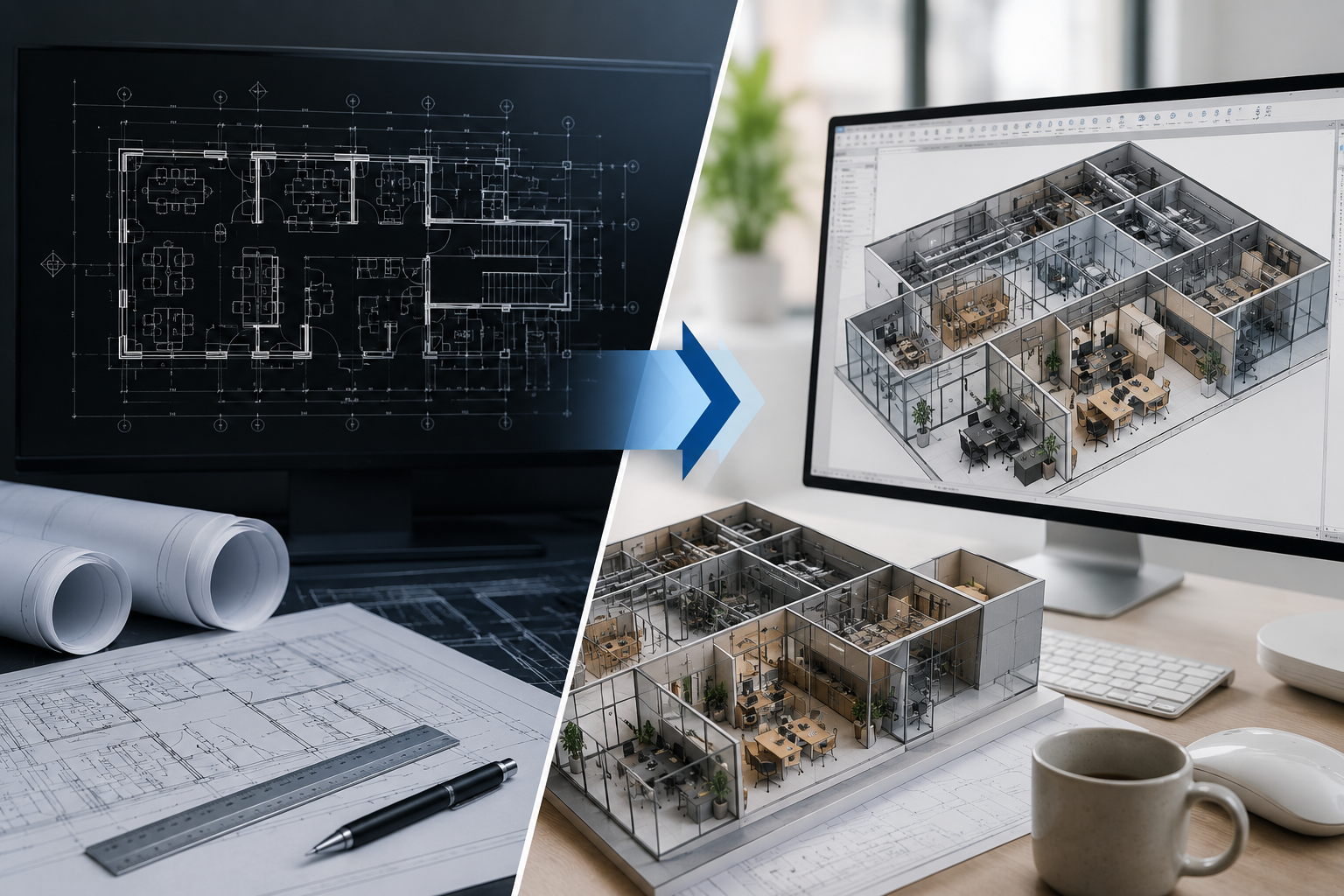
CAD users are accustomed to drawing lines, arcs, hatches and text. In Revit, you work primarily with intelligent building elements. A wall understands that it is a wall; a door belongs to a wall; a room is enclosed by surrounding elements; and a schedule reads information from the model.
2. Every action can affect several views
A change made in a floor plan can affect elevations, sections, schedules and sheets. This coordination is one of Revit's greatest strengths, but beginners must learn to think beyond the current view.
3. The interface presents too many choices
The ribbon contains tools for modelling, annotation, collaboration, analysis and documentation. Beginners often assume that they need to learn all of them. They do not. A structured first project may use only a focused subset.
4. Random tutorials create gaps
Watching unrelated videos can teach individual commands without explaining project setup, modelling decisions, view control or documentation. The learner knows how to activate tools but does not yet know when or why to use them.
What Makes Revit Easier to Learn
- Learn through one small project: concepts become easier to remember when they contribute to a visible outcome.
- Follow a deliberate sequence: project setup should come before detailed modelling, and modelling should come before sheets.
- Repeat each demonstrated task: watching creates familiarity; hands-on repetition creates skill.
- Receive correction early: small setup errors can cause larger problems later.
- Understand relationships: focus on why levels, views, families and parameters behave as they do.
- Practise documentation: professional Revit ability includes annotations, schedules and sheets—not only a 3D model.
The Correct Beginner Learning Sequence
- Understand BIM and how Revit differs from conventional CAD.
- Learn the interface, navigation, selection and essential terminology.
- Start a project using the correct template and units.
- Create and review levels, views and basic project settings.
- Model walls, doors, windows, floors, roofs and ceilings.
- Add rooms, components and essential information.
- Create and control plans, elevations, sections and 3D views.
- Add dimensions, tags, text and other annotations.
- Create simple schedules and check model information.
- Assemble coordinated sheets and produce a reviewed PDF set.
This sequence mirrors the way architectural information develops. It also prevents a common problem: producing an attractive model without understanding how to turn it into usable project documentation.
Common Mistakes That Slow Beginners Down
- Trying to learn every ribbon command before starting a project.
- Starting with a large or highly complex building.
- Copying steps without understanding levels, constraints and hosts.
- Downloading too many families before understanding family quality.
- Ignoring view range, visibility settings and view templates.
- Modelling continuously without creating schedules and sheets.
- Watching tutorials without repeating the demonstrated task.
- Continuing after an error instead of reviewing and correcting it.
How Long Does It Take to Learn Revit?
A beginner can understand the interface and create a basic model within the first few focused sessions. Developing a coordinated architectural project with useful views, schedules, annotations and sheets requires sustained practice over several weeks.
Professional confidence takes longer because it involves decision-making, drawing standards, model organisation, troubleshooting and repeated project work. Be cautious of promises that you will “master Revit” in a few hours. A short tutorial can introduce tools; competence develops through guided practice and correction.
Who Can Learn Revit?
Revit Architecture can be learned by architecture students, fresh graduates, architects, interior designers, civil engineers, diploma holders, CAD professionals and motivated career changers. Prior CAD experience may help with drawing conventions, but it is not compulsory.
The important requirements are basic computer confidence, spatial understanding, willingness to practise and enough time to complete tasks independently after each demonstration.
What Effective Revit Training Should Include
Effective training should not consist only of a long software demonstration. Learners need time to reproduce the task while the logic is still fresh.
This cycle exposes misunderstandings early and helps learners connect individual tools to a professional modelling and documentation workflow. A small live batch also gives learners a realistic opportunity to ask questions and receive feedback.
A Realistic First-Week Plan
- Day 1: Interface, project navigation and basic BIM concepts.
- Day 2: Levels, views, walls and constraints.
- Day 3: Doors, windows and basic components.
- Day 4: Floors, ceilings, rooms and room tags.
- Day 5: Sections, elevations and 3D views.
- Day 6: Dimensions, annotations and one simple schedule.
- Day 7: Place reviewed views on a sheet and export a PDF.
Frequently Asked Questions
Can I learn Revit without knowing AutoCAD?
Yes. AutoCAD experience can help, but starting directly with Revit can prevent you from trying to force CAD habits into a BIM workflow.
Is Revit only for architects?
No. Revit supports architectural, structural and building-services workflows. This guide and the upcoming webinar focus specifically on Revit Architecture.
Can I learn Revit only by watching videos?
Videos can introduce concepts, but you must repeat the tasks yourself. Feedback becomes especially valuable when your model behaves differently from the demonstration.
Do I need a powerful computer?
You need a Windows computer that can run the relevant Revit version comfortably. Small beginner projects require fewer resources than large professional models, but system requirements should be checked before training.
Download the Revit Beginner Starter Kit
The download form will be connected here. The kit will help you prepare for your first guided Revit session.
Get the Free Starter KitExperience Revit Through a Live Guided Workshop
Join BimSrv Academy's free live webinar on Sunday, 27 September 2026 at 11:00 AM IST. See the learning process in action and understand how a guided, project-based approach can make Revit easier to learn.
Register for the Free Webinar
0 Comments